Project Based Learning in music – part 2

This year with my year 13 music students we are deciding to make a point of not focusing on assessment as being the driver of learning in class (as it should never be but is rarely the case in most NZ schools).  Therefore we are deciding to focus on projects our students can complete through the year.  Projects such as making an album, composing for student films, making music videos. You can see details of my holiday planning for this course here.

We are now nearing the end of term one, and what a busy term its been.  But what is hugely satisfying is that the majority of my class are loving the projects they’re working on and making great progress.  It should be noted that not all students in year 13 music have decided to have a project as a major focus.  They’re quite happy completing the tasks and learning as required by NCEA and that’s great. So, what has this PBL thing looked like this year?  Well, a bit like this:


We started the year spending quite a bit of time searching for inspiration and listing the interests and skill sets of the students.  I’m very big on collaboration and I want the students to help each other out as much as possible.  To keep our ideas and skills at the forefront of what we do we created an Inspiration Wall where students pin up interesting musical related images and text as well as list their outline of their project.

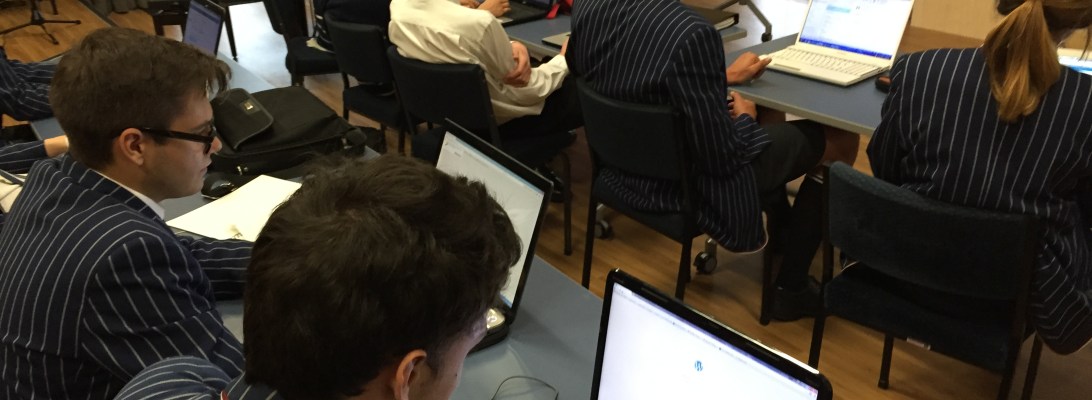
Students have also setup WordPress blogs where they keep a diary of what they’ve found interesting in class and on field trips. Every time we do something in class, or they do some work, they’re expected to document their progress on their blogs. You can see some of them here:

https://jamesmurraymusic.wordpress.com

https://blipblipbang.wordpress.com

https://gusellerm.wordpress.com

https://maxmusic42.wordpress.com

Reading through the blogs you can see we’ve done a few things to focus the students on the craft they need to develop to realise the art they want to produce.  These have been:

  • Guest presenter – Luke Di Somma (local conductor, producer, arranger, composer, MD, etc).  The students were very inspired by chatting to Luke and he dealt with issues such as: where he finds creativity, how he manages his ‘business’, what motivates him, what is required to ‘make it’ in the music industry, etc
  • Visit to local studios and tertiary providers – as recording and technology is a big part of the students’ projects we visited MAINZ and had a great presentation from Ivan Shevchuk.
  • Watching music production tutorials from AVID doing our own mix of the tracks shown in the video.

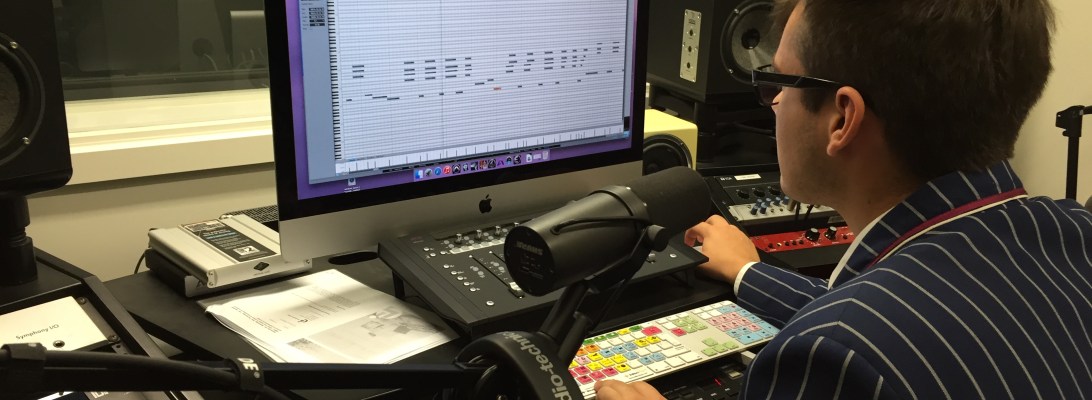
For the rest of the term we’ve been largely focusing on getting the first part of their projects completed.  This has involved teaching them about how to use our recording equipment and how to mix.  There has been a lot of one-on-one instruction about crafting their compositions and arrangements.  At this stage, we’re just trying to record demo’s of everything as it’s unrealistic of them to produce good quality recordings in term 1 when they have so much learning to do around music production.  It will mean a lot of recording and mixing in term 3 and 4 so we’ll see how we go…

To assist with their learning about recording and mixing we’re going to start a course in mixing through Weathervane music.  Their Instructors Toolkit looks like it could be a great syllabus to work into our music course to advance their music production skills.  I’ll do a separate blog on this once I start using it with my students.

Where to from here…

Well, we’ll need to refocus on what it means to be creative and to make great Art.  We’ve spent quite a while focusing on their craft and finishing the first aspect of their projects, so we need to redress the balance and get focusing on what they are trying to achieve with their project by the end of the year. We’ll get more industry professionals in to talk to us and will visit local producers who can demonstrate their workflow and assist with the discussion around where to find inspiration. Students need to do a stocktake of all they’ve accomplished this term and now that they know what they’re in for need to come up with specific goals that must be achieved in term 2.

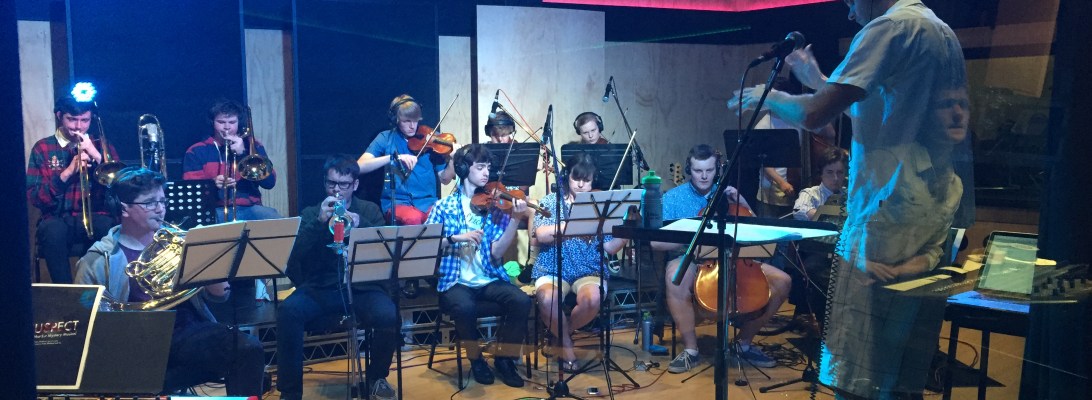
We’ll also be joining with the year 13 media class to provide the music for their original short films they’re creating.  This is very exciting and as we’re well setup at St. Andrew’s College with movie composition tools and equipment I’m expecting to see some very professional looking/sounding films in the StAC Film Festival this year.

What is the best DAW for schools?

Just so everyone is on the same page… a DAW (or Digital Audio Workstation) is the software on a computer that you use to record and mix audio and MIDI.  With the dramatic increase in computing power combined with falling costs now anyone can have a fully fledged recording and mixing system on their computer (or iPad or iPhone!).

In the past it was too expensive for schools to have recording systems (after all, who can afford an SSL, Neve or API mixing desk?) but now with cheap microphones and interfaces made in China, combined with powerful (and relatively cheap) computers any high school music department can have a recording ‘studio’.

The Control Room at Orange Studios in Christchurch, NZ.

So… what DAW or recording/mixing software should schools use?  There are so many options.

Here is your answer… Studio One Free from Presonus.

Why?  Here are my reasons:

  • It’s free (for the basic version) – students can download it to their own laptops and home computers right away and get playing around with it.
  • It’s cross platform – i.e. it works the same on Mac and Windows computers.  Therefore teachers can be assured that all students are working on the same software so they don’t need to know how to use multiple pieces of software.
  • It comes with good MIDI instruments so students can plug in a MIDI keyboard or other controller and get recording very quickly.
  • If you want to see how quickly you can download, install and record with it I’ve made a quick overview video that you can see here:

Some commons questions I get from teachers at workshops when I say this:

  1. So why not Garageband?  Well… I love Garageband (it is actually better than Studio One Free in many ways), but it only works on Mac computers so if you have students in your class with Windows laptops it creates issues in that you’ll have some students on Studio One and some on Garageband.  Many teachers are fine with that so if you’re one of those go for it (I have students using both DAW’s) but in the interest of keeping things simple… it’s probably best to keep all students on the same software.
  2. Why not Pro Tools… isn’t that industry standard?  Yes it is.  It’s my personal DAW of choice.  But it’s sooooo expensive!!  No way most high schools can afford it.  I had 12 Pro Tools 001, 002 and Mbox systems at an old school (an investment of around $15,000 at the time) and all those systems a long time ago became obsolete.  Pro Tools is much better now that you don’t have to have AVID/Digidesign hardware to use it, but for the software it’s still too expensive in my opinion.
  3. Why not Apple Logic Pro?  I also love Logic and it is now amazingly cheap.  But once again… Mac only.
  4. Why not Reaper… isn’t that also free?  I’ll get into this more below.
  5. Why not… blah blah blah?  There are many DAW’s out there and if you as the teacher are more comfortable in teaching those to your students (and your students can afford it) then go with them.  But if you’re new to this… stick with Studio One.

So what about Reaper?

Reaper is awesome.  It’s not exactly free, it just has an unlimited trial period.  But you can purchase it for your school at incredibly cheap prices (non-commercial licences are only $60 USD but you can get it cheaper if you purchase in bulk as an educational institution).  But, for working with MIDI keyboards (which is a big part of the level 1 Music Technology Unit Standards in New Zealand) it has proven to be too complicated for many teachers to setup… which is why I suggest Studio One.

For NZ teachers who are using the ‘SOND’ unit standards, 26687, 27703 and 28007 Reaper is probably a better bet.  For the level 2 and 3 standards your students need to be using fully parametric EQ’s and compressors that have ratio, threshold, attack/release and knee controls.  Studio One Free doesn’t allow you to use EQ’s and compressors (although the paid versions of Studio One that you can see outlined here do allow you to use better EQ’s and compressors) which is why if you’re wanting to stay with ‘free’ software, Reaper is a great choice.

So in summary…

  • In setting up a music technology programme at your school that uses MIDI (such as NZ schools wanting to teach the level 1 ‘MUSTEC’ standards 27656 and 27658) download Studio One Free.
  • If you’re an NZ school wanting to offer the ‘SOND’ standards 26687, 27703 and 28007 either buy Studio One Artist upgrade ($93NZD per licence currently…edu discounts may be available by emailing Presonus) or use Reaper (unlimited trial or purchase at very cheap prices).
  • If you are a school that is wanting to offer a full on studio experience then it’s probably advisable to purchase Pro Tools, Logic and Studio One Pro eventually.  But before you spend any money make sure you are absolutely certain that you need them, it’s very easy to waste money on software you hardly use!

Any suggestions or disagreements?  Please use the comments section to give your opinions on what you’ve found works well in schools.  But before you do, please ensure that the opinions you share are based on actual classroom and student experience.  I’ve had people in the past say that you must use Pro Tools with students as that is what is in pro studios and tertiary institutions, but when I’ve dug further I’ve found out these people have never taught in high schools let alone have had to juggle limited financial restrictions that most high schools struggle with.  What we are teaching should be recording and mixing, which can be done on any decent DAW.  Skills are easily transferable between software platforms.

Anyway, enough of my soapbox, let me hear what you have to say.

Oh, btw, Merry Christmas.

Duncan